
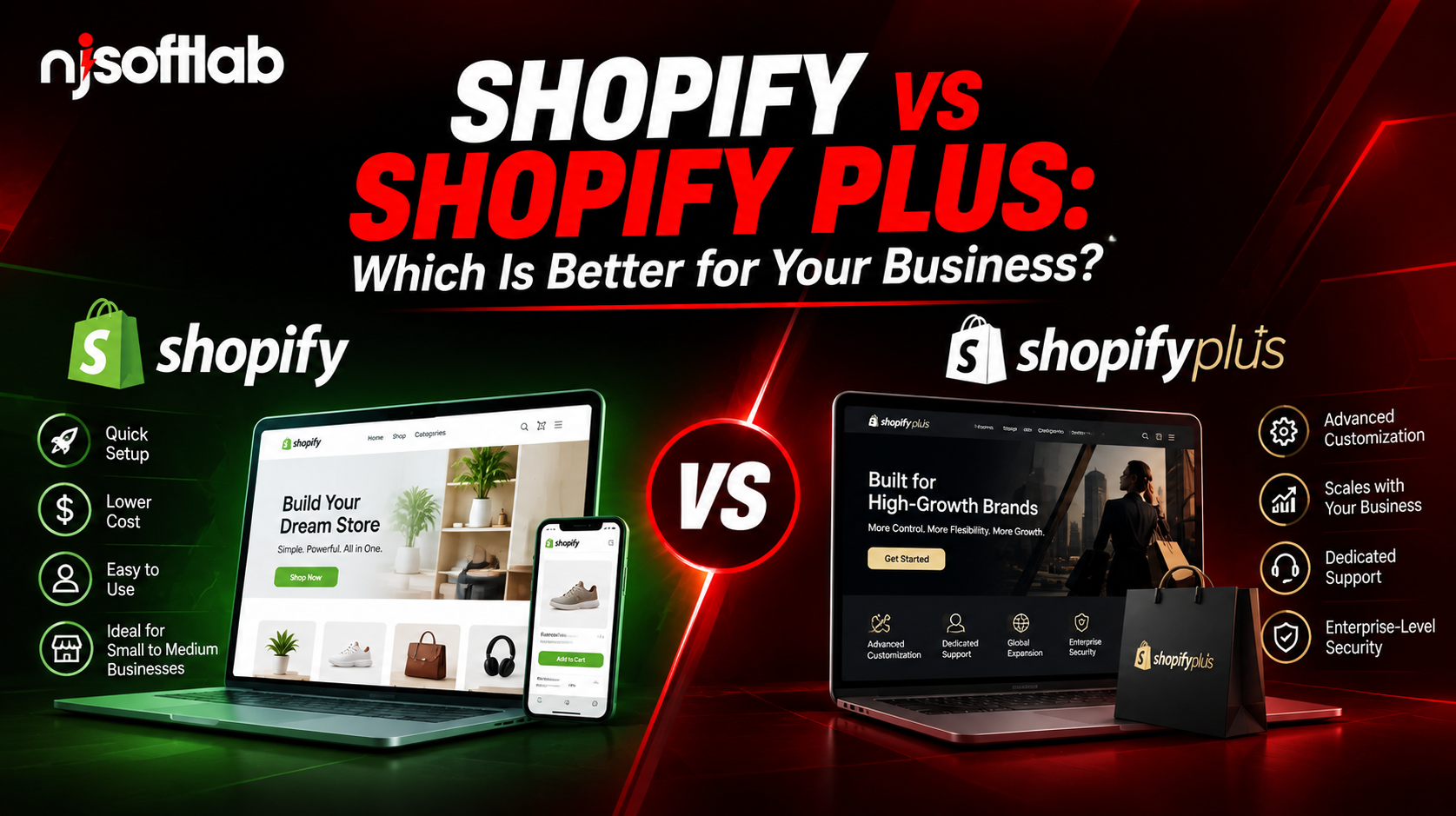
Compare Shopify vs Shopify Plus on price, features and checkout control. Learn when upgrading is worth it for your business.
Shopify is usually the better choice for small and midsize online stores, while Shopify Plus is designed for high-volume businesses that need advanced checkout customization, multiple storefronts, and more complex operations. The right plan depends on your budget, business requirements, and growth goals – not revenue alone.
Many store owners upgrade too early, while others wait until platform limitations slow their growth. This guide compares Shopify and Shopify Plus pricing, features, benefits, and drawbacks to help you choose the right plan.
In this guide:
- Core differences in plain language
- Real pricing and a break-even example
- Feature-by-feature comparison
- Signs you should upgrade (and signs you shouldn’t)
- Notes for Canadian businesses
What Is the Main Difference Between Shopify and Shopify Plus?
Shopify Plus is the enterprise version of the same platform. It adds deeper checkout customization, more staff accounts, extra stores and a dedicated success manager.
Both run on the same core. Your products, themes and most apps work on either one.
Here is the simple version:
- Shopify (Basic, Grow, Advanced): built for startups and growing stores
- Shopify Plus: built for large catalogs, high traffic and complex operations
Think of it like a car. A standard plan is a reliable sedan. Plus is the same engine with a custom chassis, a pit crew and fewer limits.
Shopify Plus launched in 2014. Brands like Gymshark, Allbirds and Kylie Cosmetics use it.
Shopify vs Shopify Plus Pricing
Shopify Plus starts at $2,300 USD per month on a three-year contract, or $2,500 per month on a one-year term. Standard plans run from about $39 to $399 per month.
Plan | Starting price (USD/month) | Best for |
Basic | About $39 | New stores, solo founders |
Grow | Mid-tier | Growing teams |
Advanced | About $399 | Scaling stores |
Shopify Plus | $2,300 to $2,500 | High-volume brands |
Prices were checked in October 2026 and changed often. Confirm current numbers, including CAD pricing, on Shopify’s pricing page before you decide.
At very high sales volumes, Plus moves to a variable fee based on revenue, with a monthly cap. Sources disagree on the exact percentage, so check Shopify’s Plus pricing page for the current rate.
Costs people forget:
- Apps and subscriptions
- Developer time for custom work
- Migration from your old platform
- Payment processing fees
- Theme and design updates
The monthly plan price is rarely the full bill. Budget for the whole setup, not just the subscription.
Shopify vs Shopify Plus Features Compared
The biggest differences are checkout control, store count, staff accounts, B2B depth and support.
Feature | Standard Shopify | Shopify Plus |
Checkout customization | Basic settings | Full checkout extensibility |
Staff accounts | Limited by plan | Unlimited |
Extra stores | Separate paid stores | Up to 9 expansion stores |
B2B catalogs | Up to 3 active catalogs | Unlimited catalogs |
Support | Standard | Dedicated merchant success manager |
API limits | Standard | Higher limits for heavy integrations |
Checkout customization
This is the real gap. The checkout is where shoppers decide to pay or leave.
On Plus, you can:
- Add custom fields
- Build upsell offers inside checkout
- Create custom discount logic
- Filter payment or shipping options by cart contents
- Connect loyalty programs
When standard checkout settings no longer meet your requirements, custom e-commerce development can help you assess the integrations and functionality your store needs.
Multiple stores and international selling
Plus allows up to nine expansion stores. Each can have its own theme, products, currency and language, all managed from one admin.
On standard plans, each extra store is a separate paid store with no shared backend. Reporting and automation split apart.
Where this matters:
- A Canadian store and a US store with different pricing
- A separate wholesale storefront
- Regional brands under one company
B2B and wholesale
This changed in 2026. In April, Shopify opened core B2B tools to Basic, Grow and Advanced plans:
- Company profiles
- Payment terms
- Volume pricing
- Up to three active catalogs
Plus still adds unlimited catalogs, location-based pricing and options like deposits and partial payments.
If you have a few wholesale accounts, you may no longer need Plus for B2B.
Automation and API limits
Large stores sync with ERPs, warehouses and CRMs. Heavy integrations can hit limits on standard plans.
Plus raises those limits and adds automation tools for things like:
- Scheduled product launches
- Timed discounts
- Flash sales and drops
Support
Plus includes a merchant success manager. That is a named person who knows your store, which matters during launches and peak seasons.
Is Shopify Plus Worth It? A Break-Even Example
Shopify Plus is worth it when the extra features earn more profit than the extra cost. The gap between Advanced and Plus is roughly $1,900 per month.
Here is a simple example. These numbers are illustrations, not guarantees.
- Plus costs about $1,900 more per month than Advanced
- Your profit margin is 30%
- You need about $6,300 in extra monthly sales to cover the gap
Ask yourself:
- Could a better checkout lift conversions by that much?
- Would one storefront instead of several save staff hours?
- Would you stop paying for workaround apps?
- Would higher API limits remove real bottlenecks?
If you answer “yes” to two or more, Plus deserves a serious look. If every answer is “maybe,” wait.
When Should You Upgrade to Shopify Plus?
Upgrade when your current plan blocks growth, not simply because your revenue crossed a number. Many merchants start looking at around $1 million in annual sales, but the trigger is usually a limit, not a figure.
Signs it’s time:
- You need checkout changes that apps can’t deliver
- You run (or plan) multiple storefronts or regions
- Your team has outgrown the staff account limit
- API throttling slows your integrations
- You run big launches or flash sales that need automation
- Wholesale ordering has become complex
- Workaround apps cost more than they save
Signs it’s too early:
- Revenue is still unstable
- You haven’t used all features on Advanced
- Your problems are marketing or product problems, not platform problems
- You’d upgrade “just to look bigger”
A better platform won’t fix weak traffic or a weak offer.
Who Should Stay on Standard Shopify?
Most stores should. Standard Shopify handles the needs of the majority of small and mid-size businesses well.
Stay if you:
- Sell in one market with simple tax and shipping
- Have a small team
- Run a few wholesale accounts
- Are still testing products and pricing
- Prefer low fixed monthly costs
You can upgrade later. Starting on a standard plan is a safe, low-risk path.
Shopify vs Shopify Plus for Canadian Businesses
Canadian merchants should compare plans in CAD, check tax settings and plan for cross-border selling. Most online guides are written for US or UK stores, so these points often get skipped.
Check these before choosing:
- Currency: confirm CAD pricing and how your billing appears
- Taxes: set up GST, HST, PST or QST correctly for each province
- Payments: review Shopify Payments availability and fees in Canada
- US sales: many Canadian brands sell south of the border, so look at multi-currency and local pricing
- Shipping and duties: cross-border orders need clear shipping rates and duty handling
If you serve both Canada and the US, multi-store needs may push you toward Plus sooner.
Pros and Cons of Each Plan
Standard Shopify
Pros:
- Lower monthly cost
- Easy to launch
- Strong app ecosystem
- Core B2B tools included
Cons:
- Limited checkout control
- Extra stores cost extra
- Lower API limits at scale
Shopify Plus
Pros:
- Full checkout customization
- Up to nine expansion stores
- Unlimited staff accounts
- Dedicated support
- Better for complex operations
Cons:
- High starting price
- Long contract terms for the best rate
- Needs developer support to get full value
- Overkill for simple stores
How to Upgrade to Shopify Plus Without Breaking Your Store
A good upgrade starts with an audit, not a purchase.
- Audit your store. List apps, integrations and custom code.
- Define goals. Pick measurable targets like checkout conversion or order handling time.
- Plan the checkout. Older checkout customizations may need rebuilding with current tools.
- Test before launch. Run test orders, discounts and payment flows.
- Protect your SEO. Keep URLs, redirects and metadata in place.
- Launch and monitor. Watch conversion, speed and errors in the first weeks.
Common mistakes:
- Keeping unused apps that slow the site
- Skipping redirects
- Rebuilding everything when only checkout needs work
- Underestimating integration time
A team with Shopify experience can shorten this process. NJ Softlab’s e-commerce services cover store setup, custom development and integrations for Canadian businesses.
Quick Decision Guide
Answer these five questions:
- Do you need checkout changes that apps can’t handle?
- Do you need more than one storefront or region?
- Is your team blocked by staff account limits?
- Do integrations hit API limits?
- Would the extra features add more profit than the roughly $1,900 monthly gap?
Your result:
- 0 to 1 yes: stay on standard Shopify
- 2 to 3 yes: compare Plus quotes and test your numbers
- 4 to 5 yes: Plus is likely a good fit
FAQs
What is the difference between Shopify and Shopify Plus?
Shopify Plus is the enterprise tier. It adds checkout customization, unlimited staff accounts, up to nine expansion stores, higher limits and a dedicated success manager.
How much does Shopify Plus cost?
It starts at $2,300 USD per month on a three-year term or $2,500 on a one-year term. High-volume merchants move to a variable fee.
Is Shopify Plus only for big companies?
No, but it’s built for high-volume or complex stores. Smaller brands can use it if they truly need the features.
At what revenue should I upgrade?
There’s no fixed rule. Many merchants consider it near $1 million in yearly sales, but limits on checkout, stores or integrations are better triggers.
Does Shopify Plus lower transaction fees?
Plus can offer different payment terms, but it depends on your setup and region. Check current rates with Shopify.
Can I switch back to a standard plan?
Yes, but you may lose Plus-only features such as custom checkout logic, so plan the downgrade first.
Is Shopify Plus good for B2B?
Yes, especially for complex wholesale. Basic B2B tools are now on standard plans, so simpler wholesale setups may not need Plus.
Final Verdict
Choose standard Shopify if your needs are simple and your budget is tight. Choose Shopify Plus if checkout control, multiple stores or heavy integrations are costing you sales or time.
Do the math before you commit. If you’re unsure, NJ Softlab can review your store and recommend a plan based on your numbers. Contact our team to get started.